When your to-do list is already longer than a TikTok scroll, switching between apps to post on social media adds unnecessary friction to your day. That’s why the most efficient creators and marketers rely on social media scheduling tools to batch content, stay visible, and actually log off.
I used to publish on the fly, too, but I’ve been converted to content batching. And after testing a dozen schedulers, I found what really matters — and what doesn’t.
Planning content in advance helps me stay consistent across platforms, free up time for other priorities, and keep growing my audience.
In this guide, you’ll find the social scheduling tools that make that possible, the features worth prioritizing in a post planner, and a simple framework for choosing the right fit — whether you’re a solo creator or a busy social media manager.
Key takeaways
- Must-have features: Look for a visual content calendar, bulk scheduling capabilities, a unified social inbox, and robust analytics.
- Efficiency: Transitioning from "on-the-fly" posting to content batching via a scheduler reduces burnout and ensures consistent brand presence.
- Pricing: Options range from free plans (Buffer, Metricool) to premium enterprise seats (Sprout Social at $199+ per month).
Jump to a section:
- What are social media scheduling tools?
- Key features to look for in the best social media scheduling tools
- The best social media scheduling tools in 2026
- How to choose the right social media scheduler
- Scheduling is not just a tactical advantage
- Social media scheduling FAQs
- More social media scheduling resources
What are social media scheduling tools?
Social media scheduling tools are apps or dashboards that let you schedule social media posts ahead of time. Your posts will then go live automatically on the date you choose.
This is especially handy if you're managing multiple social channels. Instead of hopping into five different apps to hit “Publish,” you load everything into one queue and let the software handle the delivery across most social media platforms.
This shift allows you to focus on high-level tasks rather than last-minute admin:
- Strategy and creativity: Focus on what to post, not when to post.
- Community management: Spend more time engaging and less time uploading.
- Predictability: Turn a scattered to-do list into a streamlined posting schedule.
Creators, small businesses, and social media marketers use schedulers to save time, stay consistent, and create breathing room in their day.
Most social media management tools come with:
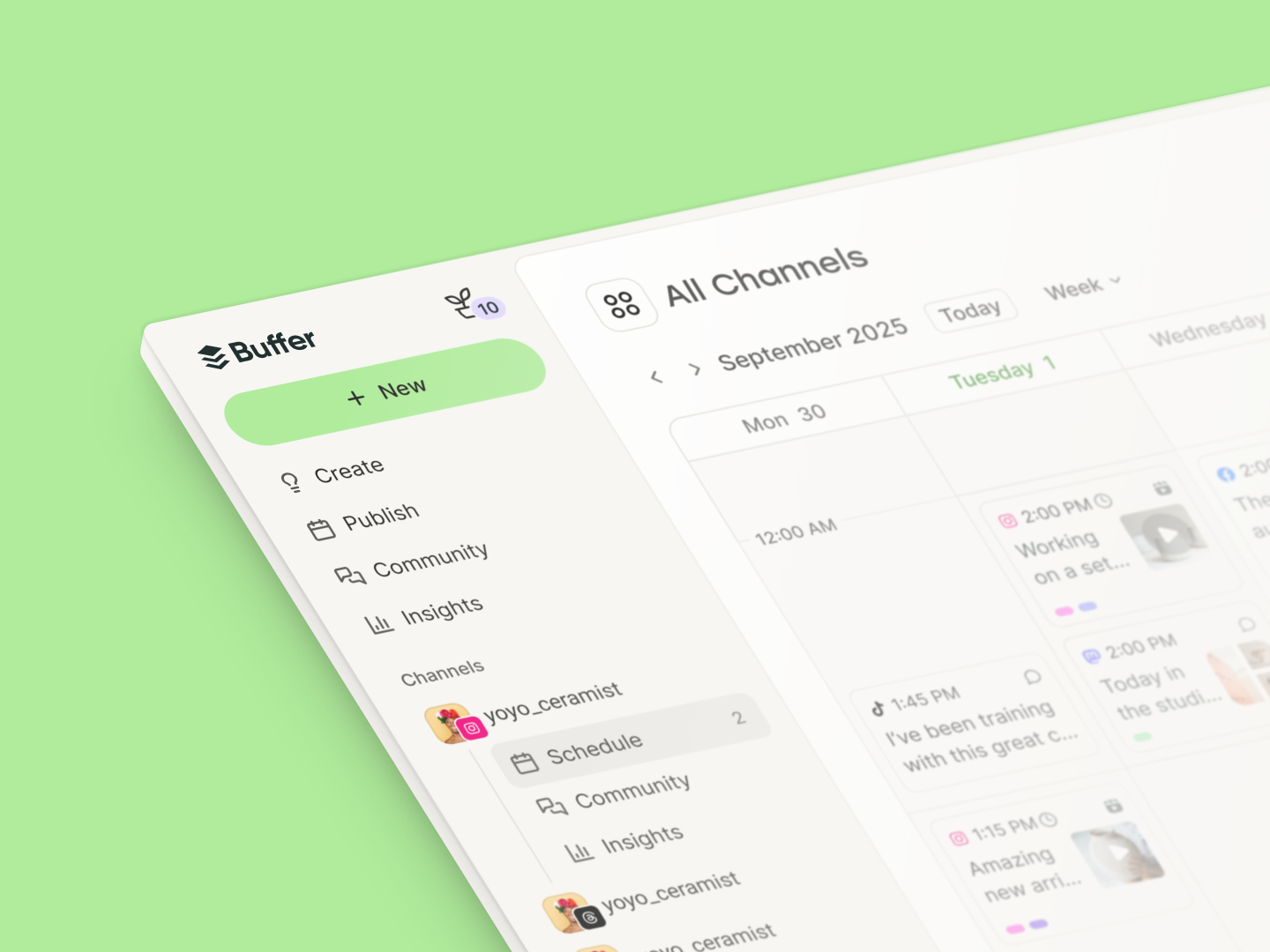
- A visual content calendar or post planner for drag-and-drop rescheduling
- Bulk upload options so you can schedule a week (or month) in minutes
-
Related Posts

Recommended Story For You :
Organize Keywords and Import CSV Files from the Google Keyword Planner
The Most Affordable And Easiest User Friendly Page Builder You Will Ever Use!

Instant WordPress Theme That Matches Your Website
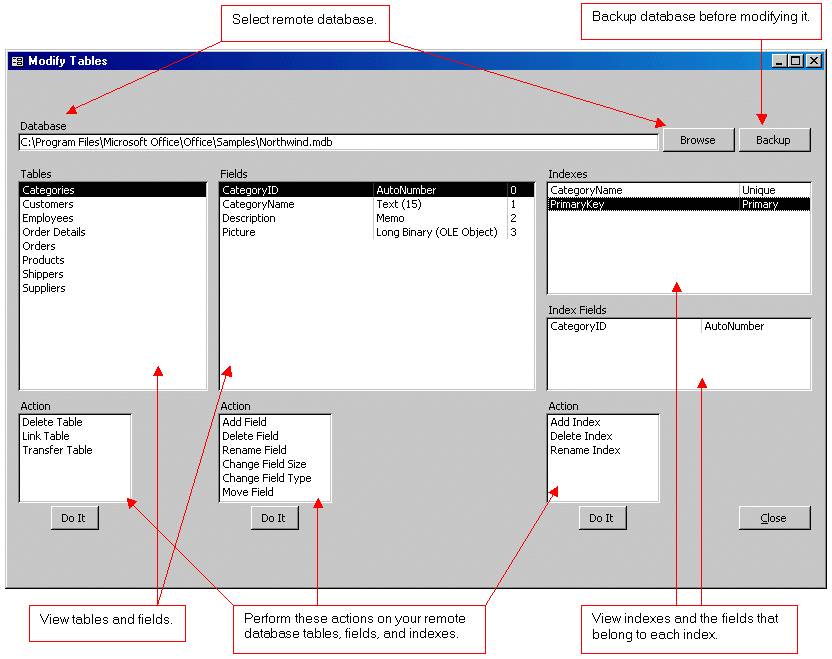
Wizard to Manage Remote Backend MS Access Database Tables Fields and Indexes

If you had an aisle-by-aisle grocery list wouldn't you spend less money on impulse items?

everything you need to create a professional corporate look mini-site is there.

Unlock Your Networking Potential with GNS3Vault
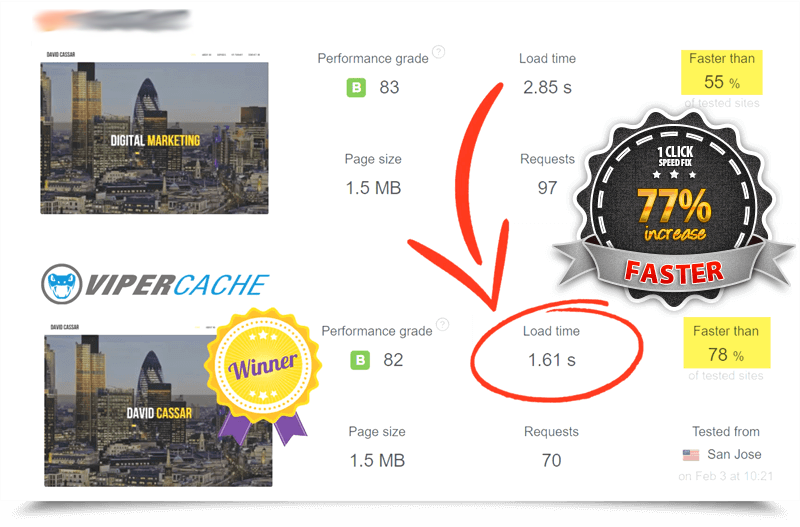
Viper Cache Was 77% Faster Than The Competetion

Understanding Stock Market Shorting eBook