Scheduling is what Buffer is known for, and fair enough. But there's way more going on under the hood!
Buffer has grown into a pretty comprehensive toolkit over the past few years, and some of the newer features (some of my personal favorites) are super useful in ways that go well beyond the queue.
Here's what else it can do.
Reply to comments across platforms, from one place
If you've ever posted something, disappeared, and come back three days later to a pile of unanswered comments, this one's for you.
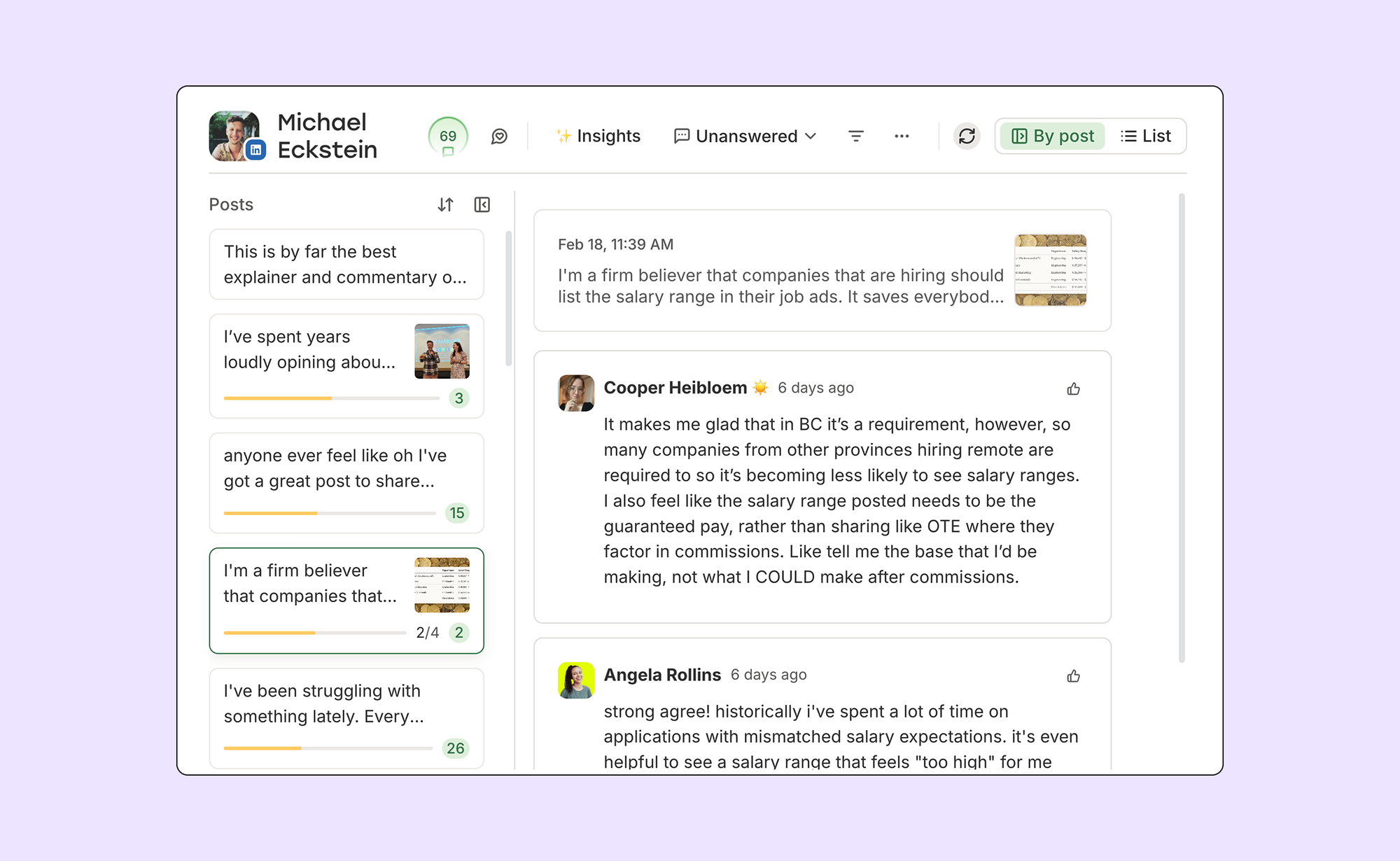
Community is Buffer's unified comment inbox. It pulls in comments from Instagram, Facebook, LinkedIn, Threads, Bluesky, and X, so you can see and reply to everything without bouncing between apps. You can filter by what needs attention, mark things as done, and even turn a good comment thread into a new post right from the dashboard.
Google Business Profile reviews are now in Community too, which is a big deal for small businesses. Replying to reviews is one of the easier wins for local SEO and reputation management, and having it sit alongside everything else makes it a lot harder to let slip. TikTok, Mastodon, and YouTube are coming to Community soon as well.
We call it the "don't post and ghost" feature, and it's available on the free plan, so there's no reason not to try it.
See what's trending on Threads while you write
Threads moves fast. A topic spikes, everyone piles in, and if you blink, you've missed it.
Trending Topics brings real-time trending Threads conversations directly into Buffer's composer. You can see what's going off right now, browse actual posts from the conversation to get context, and jump in with your take, all without leaving Buffer to go hunting.
One handy detail: Threads only shows trending topics natively to users in the US and Japan. Through Buffer's API access, anyone, anywhere can see them. It's available on all plans, including free.
Find out what's actually working with analytics
There's not much point in posting consistently if you don't know whether any of it's landing.
Once you connect a channel to Buffer, analytics populate straight away, including up to six months of historic data, so you're not staring at a blank dashboard waiting to build history. You can track likes, comments, reach, impressions, and engagement rate across all your connected accounts from one place.
A couple of recent updates worth knowing about: Buffer partnered with LinkedIn to expand Personal Profile Analytics, which now includes views, watch time, and engagement rate alongside the standard metrics, all inside the Sent Posts tab. And X analytics are now on the free plan too, after a long stint being gated behind paid tiers.
If you want to go deeper, professional reports let you pull data across multiple channels and set your own cadence. Really useful if you're reporting to clients or just want a cleaner view of how things are going.
Related Posts


Recommended Story For You :
Organize Keywords and Import CSV Files from the Google Keyword Planner
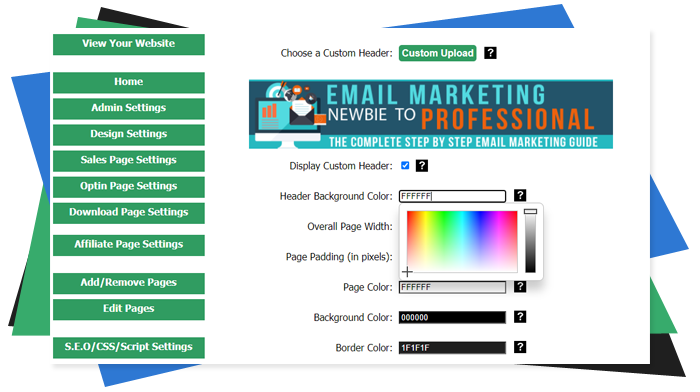
The Most Affordable And Easiest User Friendly Page Builder You Will Ever Use!

Instant WordPress Theme That Matches Your Website
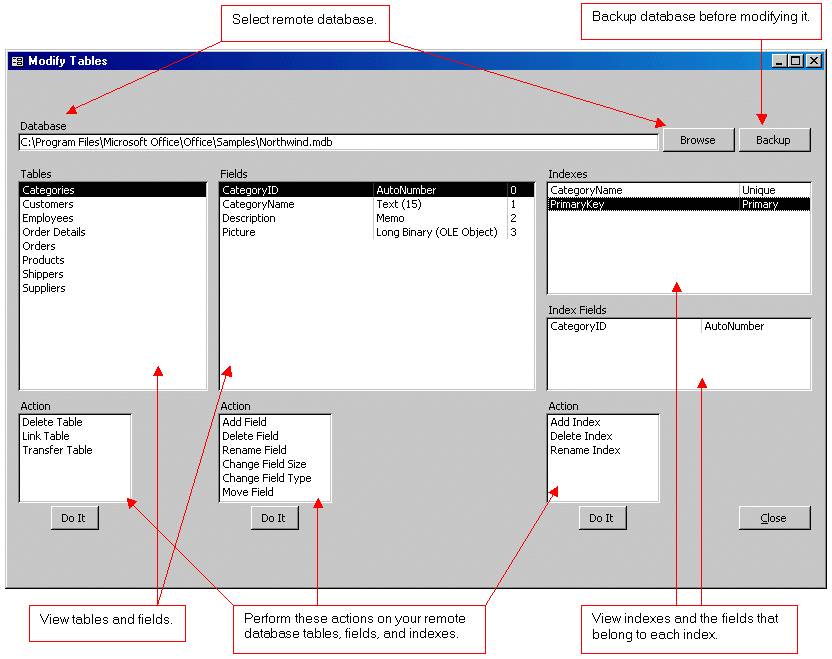
Wizard to Manage Remote Backend MS Access Database Tables Fields and Indexes

If you had an aisle-by-aisle grocery list wouldn't you spend less money on impulse items?

everything you need to create a professional corporate look mini-site is there.

Unlock Your Networking Potential with GNS3Vault
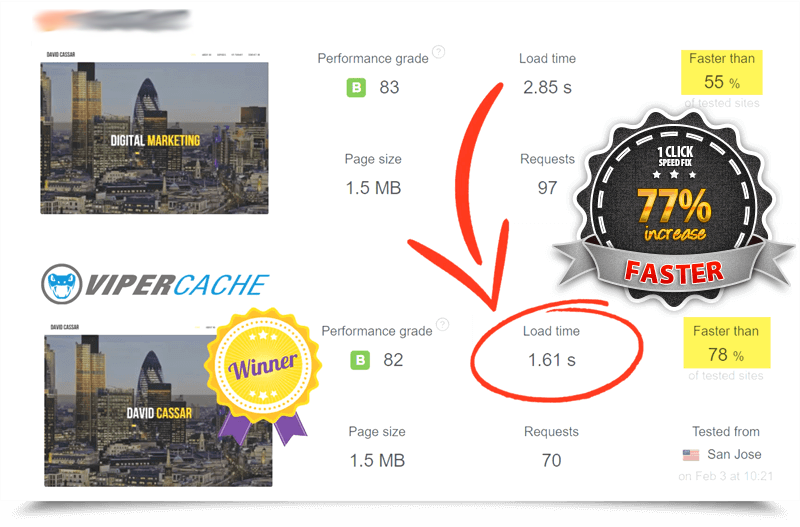
Viper Cache Was 77% Faster Than The Competetion

Understanding Stock Market Shorting eBook